Bold Text Generator Copy and Paste
Transform your text instantly. Just type below to get stand-out styles and click to copy.
About Bold Text Generator Copy and Paste Tool
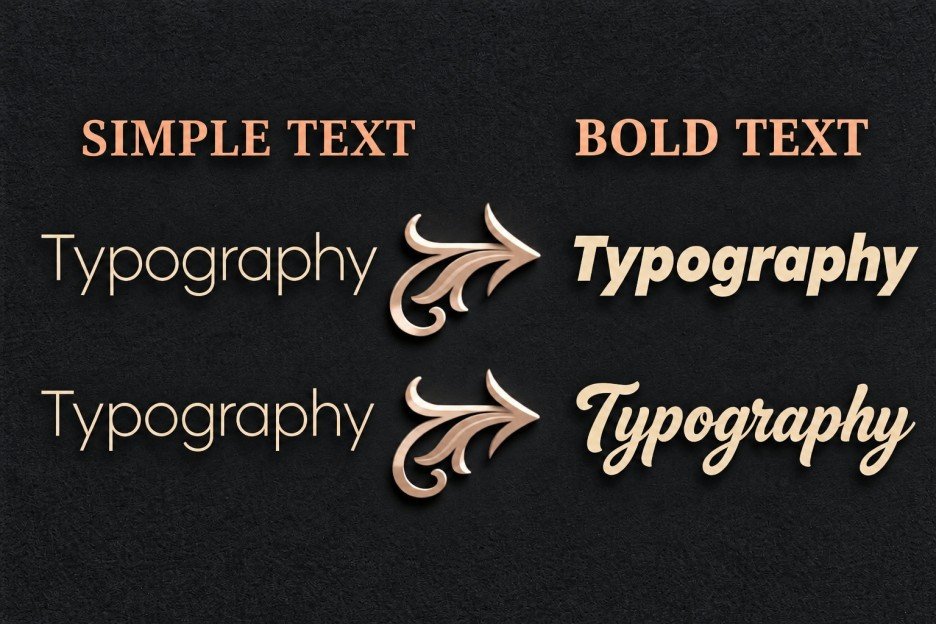
Our bold font generator helps you turn normal text into bold Unicode text that you can copy and use anywhere. Type your text, choose a style, and copy the result with a single click. You can create bold letters for social media bios, captions, posts, messages, usernames, and other places where you want your text to stand out.
Unlike regular bold formatting, this tool uses special characters to create bold text. Options like Ctrl + B, the HTML "<b>" tag, and the "<strong>" tag make text appear bold within supported editors or webpages. However, this formatting may disappear when you copy the text into another app or platform. Our bold text copy and paste tool converts ordinary letters into Unicode bold characters with bold appearances. These bold characters stay the same after you paste them anywhere, unlike regular styles that can lose their look when pasted somewhere else.
This tool is also known as a math bold font generator because it uses characters from the Unicode Mathematical Alphanumeric Symbols block. These Unicode characters include mathematical bold serif, bold sans-serif, and other letter styles that you can use as decorative text. The generator maps your regular letters to corresponding Unicode characters, creating text that looks bold even outside a text editor's formatting system.
Most modern apps and platforms support many of these bold characters, although their appearance may vary by font or device. This makes the tool a simple way to convert text to bold for copy-and-paste use without needing special formatting options.
How to Use This Math Bold Font Generator
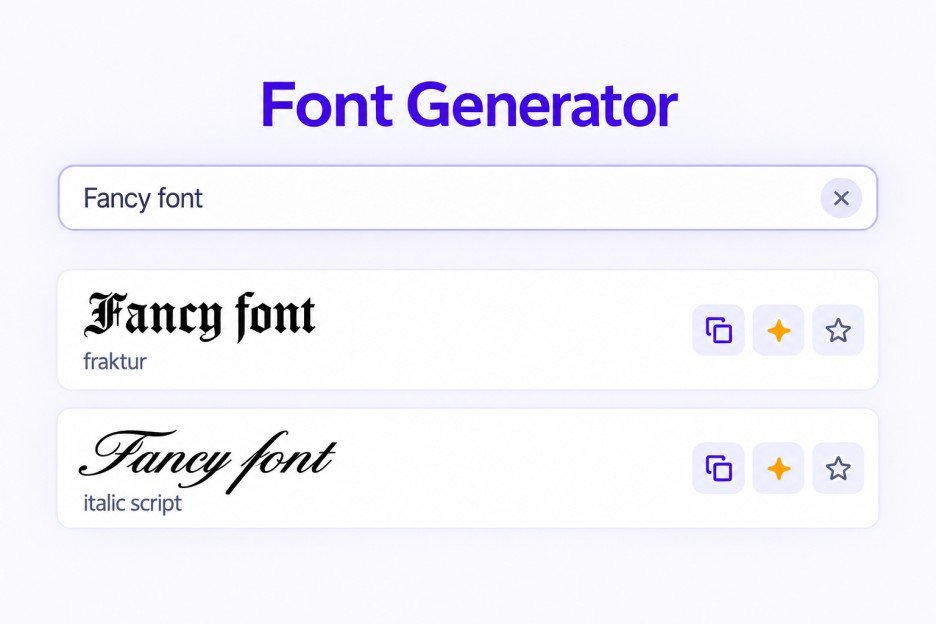
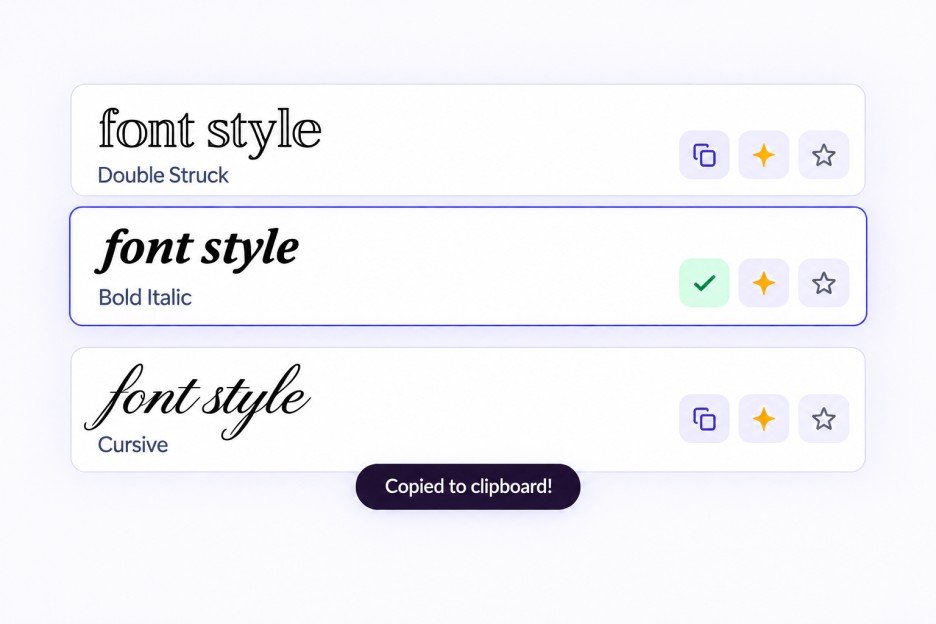
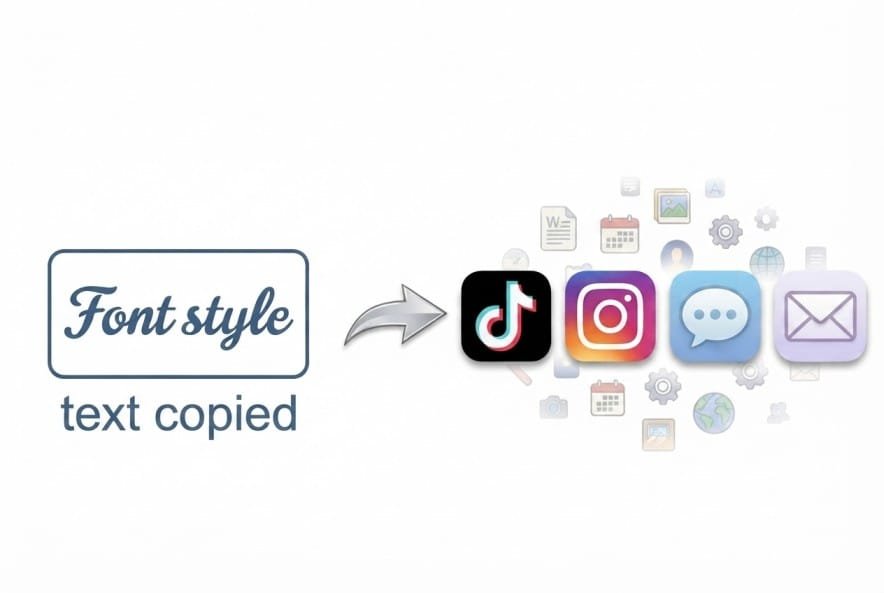
This bold generator is designed to be as simple as possible. Three steps and you are done:
Explore Bold Font Styles
Bold font styles help you make text stand out in different ways. Choose a style that matches your message, from clean and professional to decorative and eye-catching. These bold font types include classic lettering, slanted styles, Gothic designs, and decorative options.
● Bold Serif: A classic bold serif font that makes words, headings, and important points stand out. Use it to highlight key information without changing the look too much.
● Bold Italic Serif: Combines thick lettering with a slanted look. These bold italic fonts work well for emphasizing quotes, strong statements, and short messages.
● Bold Sans-Serif: This sans serif bold font offers a clean, modern appearance without decorative strokes. Use it for social media captions, usernames, and text that needs a simple, readable look.
● Bold Sans-Serif Italic: Adds a slanted effect to clean, bold letters. It is useful for making announcements, captions, and short phrases feel more expressive.
● Bold Script: This style creates bold cursive text with a flowing, handwritten appearance. Use it for stylish bios, decorative names, and aesthetic social media posts.
● Bold Fraktur: Inspired by traditional Old English and Gothic lettering, this style gives text a historic, medieval look. It suits gaming usernames, edgy captions, and dramatic designs.
You can also experiment with cute bold fonts, a bold fancy font, or a thick bold font to match your personal style. For a simpler appearance, choose a bold print font. If you want to explore related designs, try bold numbers, double-struck letters, circled text, and squared styles.You can browse all text styles on our main font generator page.
5 Traditional Bold Fonts for Design Inspiration
Traditional fonts are installed font files used in design software, while our bold text uses Unicode characters that you can copy and paste instantly. These conventional fonts offer more control over letter shapes, spacing, and overall design. They are useful for posters, branding, headlines, and other visual projects.
1. Arial Black
Arial Black features thick, heavy letters that make text easy to notice. It works well for bold headlines, promotional graphics, banners, and designs that need strong emphasis.
2. Montserrat Extra Bold
Montserrat Extra Bold combines a modern geometric look with thick, clean lettering. Use it for website headings, brand designs, social media graphics, and eye-catching titles.
3. Futura Bold
Futura Bold uses geometric letterforms with a clean, structured appearance. It suits minimalist designs, logos, posters, and projects that need a bold yet refined style.
4. Impact Bold
Impact is known for its condensed letters and heavy strokes. It works well for attention-grabbing headlines, memes, thumbnails, and short phrases that need to stand out.
5. Anton Bold
Anton is a bold display typeface with thick, compact letters. It is a strong choice for poster titles, video thumbnails, advertising graphics, and modern social media designs.
Where Can You Use Bold Text?
Bold social media text helps important words stand out on platforms where regular text formatting may not be available. You can copy and paste it into social media posts, bios, messages, usernames, and other online content. Choose a simple bold style for clarity or add symbols and emojis when you want a more decorative look.
1. Social Media Posts and Captions
Use bold text to highlight key phrases, important updates, or promotional offers in your posts. Bold Sans-Serif (𝗕𝗼𝗹𝗱 𝗧𝗲𝘅𝘁) gives captions a clean, noticeable look, while Bold Italic Serif (𝑩𝒐𝒍𝒅 𝑻𝒆𝒙𝒕) adds a more expressive touch. For celebratory posts, try Bold Sparkling (✧・゚: 𝗕𝗼𝗹𝗱 𝗧𝗲𝘅𝘁 :゚・✧) to make your message more eye-catching.
2. Instagram Bios and Usernames
Give your profile a distinctive look with bold Unicode letters. Use Bold Serif for a strong, classic appearance or Bold Script for a decorative style. You can also add symbols and emojis to create a personalized bio that reflects your interests or personality. Keep the text short so your profile stays easy to scan.
3. Messages and Group Chats
Make reminders, important details, and short announcements easier to notice in conversations. Bold Sans-Serif works well for clear messages, while Bold Reminder (📌 𝗕𝗼𝗹𝗱 𝗧𝗲𝘅𝘁 📌) helps draw attention to something people should remember. For urgent updates, Bold Warning (⚠️ 𝗕𝗢𝗟𝗗 𝗧𝗘𝗫𝗧 ⚠️) adds a more noticeable touch. You can also use bold underline text where a platform or editor supports that formatting, or use Unicode text and symbols to create a similar visual emphasis.
4. Gaming Profiles and Online Communities
Stand out with distinctive text in gaming usernames, community profiles, and group names. Bold Fraktur (𝕭𝖔𝖑𝖉 𝕿𝖊𝖝𝖙) gives names a dramatic, Gothic appearance, while Squared Bold (🅱🅾🅻🅳 🆃🅴🆇🆃) creates a block-style look. These styles are useful when you want your profile to feel different from ordinary text.
5. Promotions, Offers, and Announcements
Use bold text to draw attention to discounts, product launches, events, and special announcements. Bold Numbers (𝟎 𝟏 𝟐 𝟑 𝟒 𝟓 𝟔 𝟕 𝟖 𝟗) can help highlight prices or figures, while Bold Impact (💥𝘽𝙤𝙡𝙙 𝙏𝙚𝙭𝙩💥) adds energy to promotional messages. For achievements or special milestones, try Bold Champion (🏆 𝐁𝐨𝐥𝐝 𝐓𝐞𝐱𝐭 🏆).
6. Creative Bios, Quotes, and Aesthetic Text
If you prefer decorative text, combine bold lettering with symbols, emojis, or mixed font styles. Bold Floral Frame (❀༉‧₊˚𝐁𝐨𝐥𝐝 𝐓𝐞𝐱𝐭 ˚₊‧༉❀) suits soft, aesthetic bios, while Bold Heavenly (☾⋆⁺₊⋆ 𝑩𝒐𝒍𝒅 𝑻𝒆𝒙𝒕 ⋆⁺₊⋆☽) works well for dreamy quotes and captions. You can also try mixed styles to give individual words a more playful appearance.
A Quick Tip for Using Bold Text
Use simple bold styles when clarity matters and save decorative styles for short phrases. Unicode characters may look different across devices, and some screen readers may not interpret stylized letters as ordinary text. When a platform offers its own text-formatting options, those may be more accessible. For longer posts, keep most of your text in its regular form and highlight only the most important parts.
Frequently Asked Questions
To create Unicode bold text , enter your text into our bold text generator copy and paste tool, choose a style, and copy the result. This bold translator converts regular letters into Unicode alternatives that resemble bold text.